



Improved configuration in Patroller 7.0
Configure your system to your specific needs with the newest release of Genetec Patroller™. Customize your date and time formats, get plate reads from unattended vehicles, and access help online with Patroller 7.0.
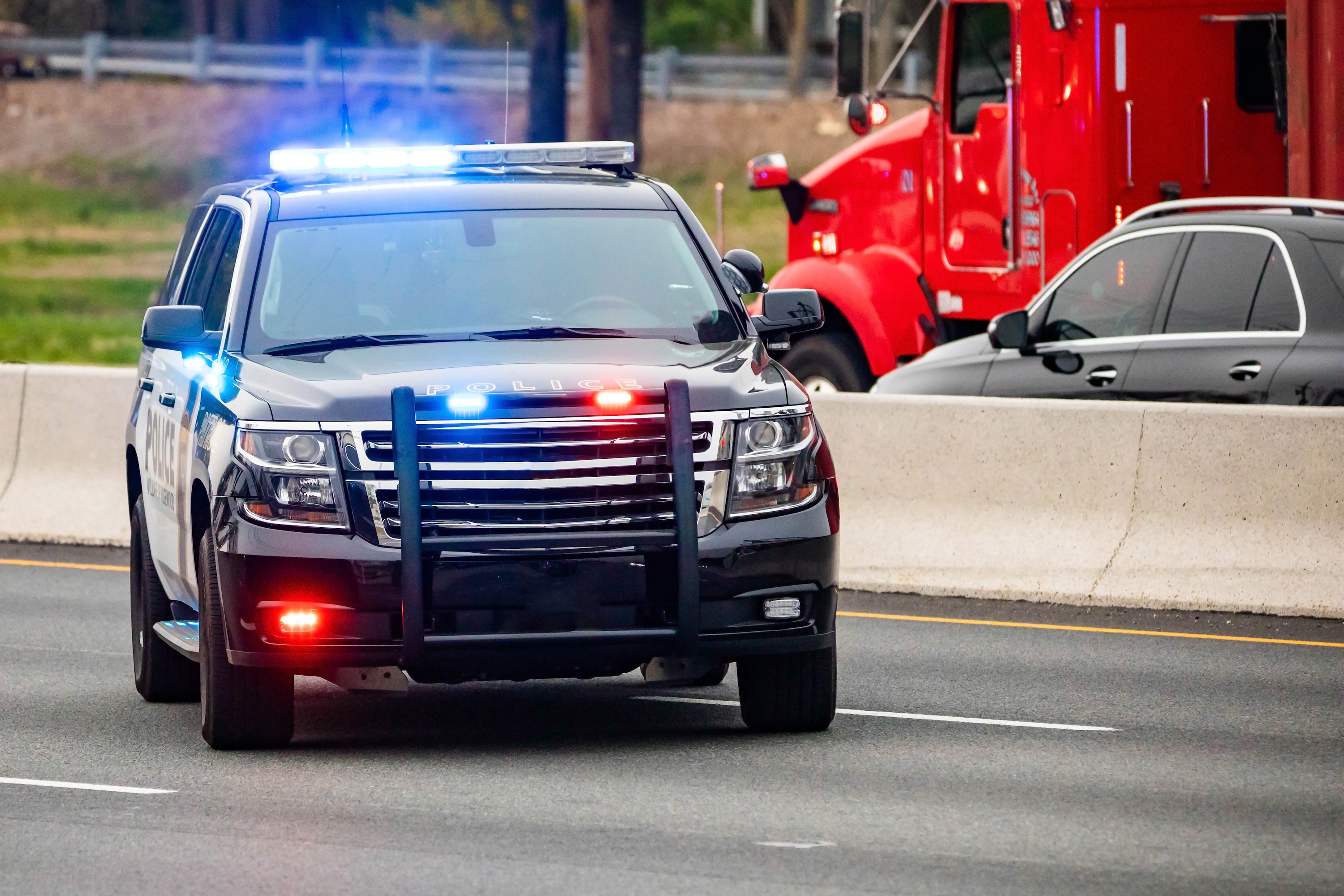
What is Genetec Patroller?
Genetec Patroller software works on your in-vehicle computer to read and analyze license plates. Using AutoVu™ SharpZ3 cameras, it automatically scans plates on the move. Patroller verifies plates against permits, hotlists, and time-limited parking policies. Then, patrol officers get alerted to violations in real time.
What was updated?
Genetec Patroller 7.0 comes with Config Tool improvements to help patrollers do their jobs more efficiently. Patroller help has moved online for a smoother user experience. We also tightened security, with a new service port and GDPR-compliant data transfer.
Improve your workflow with updated configuration options
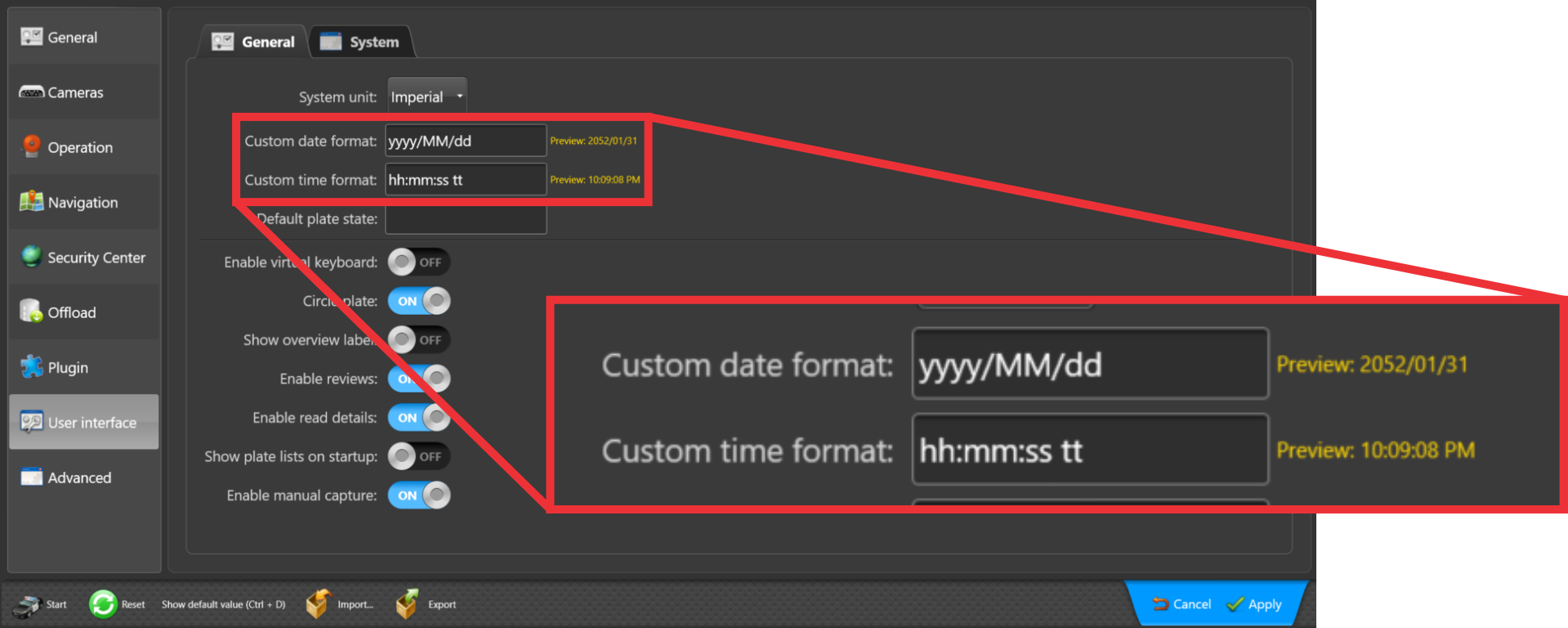
Customize date and time formats
Before Patroller 7.0, date and time formats were fixed based on the language you chose during installation. This update lets you customize the formats to better fit your reporting needs. You’ll see your chosen date and time format in both Patroller and the Patroller Config Tool.
Continue reading plates while you intervene
Law enforcement officers often need to leave patrol vehicles unattended. This update lets you change the settings to turn off user action pop-ups. That way, Patroller can continue operating while officers issue tickets or chase suspects on foot. Officers can keep capturing plates when they’re not in the patrol vehicle and act on any hits once they’re back.
You can also install Patroller 7.0 on a roadside trailer positioned to monitor traffic for several days. Even without a user present, the system can keep collecting valuable license plate data.
Enhanced user experience
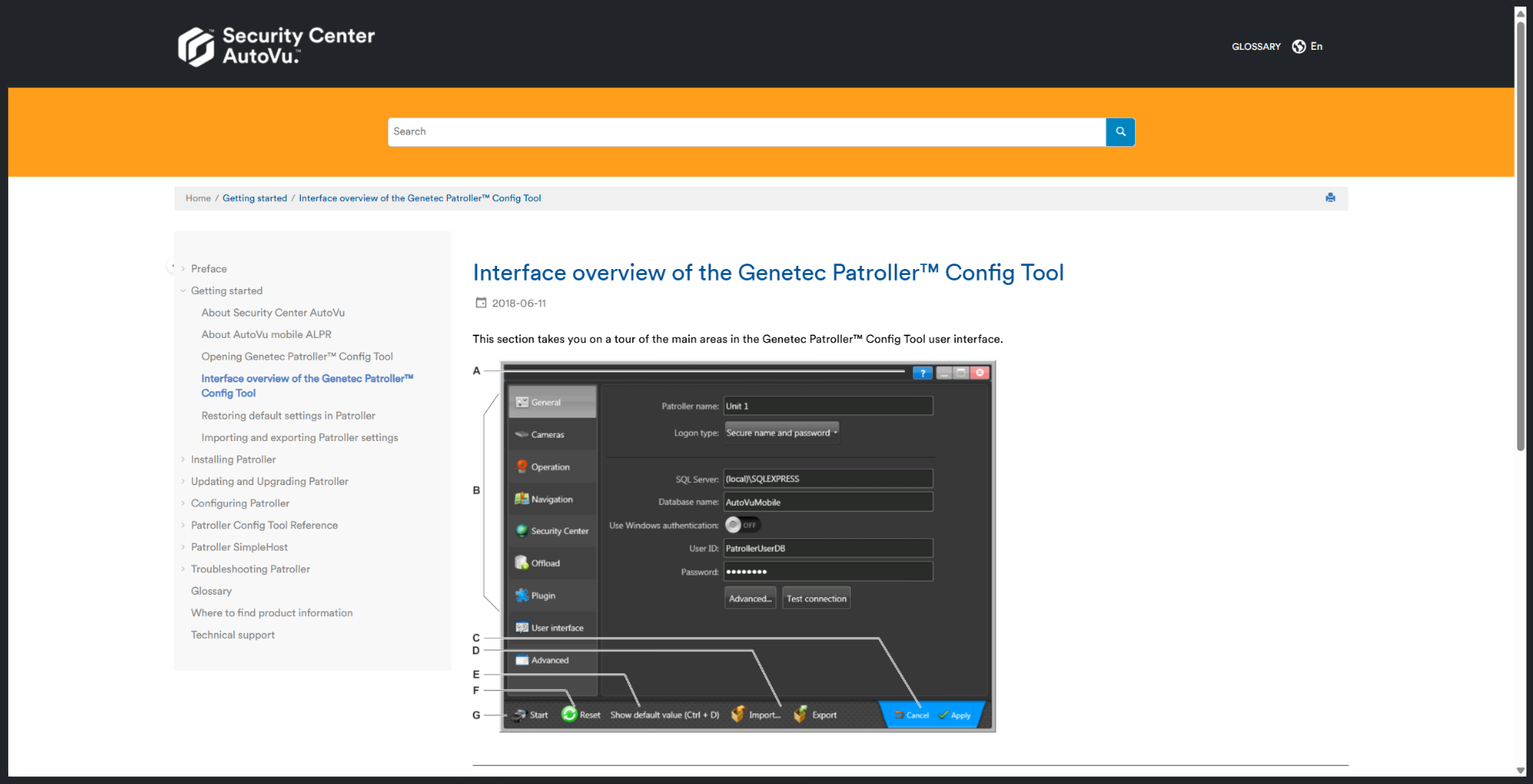
Patroller help is available on the web
We moved Patroller help to the web to make it easier for you to navigate. Patroller help no longer opens a static PDF document and searching for specific topics is simpler.
Automated read retention updates
Patroller 7.0 can automatically update read retention in the following situations:
- The retention period expires
- Reads are removed when their retention period expires based on local privacy laws, so you remain compliant
- Your system’s disk reaches capacity
- The first-in, first-out (FIFO) principle is applied when your system’s disk is full
Improved security measures
Patroller 7.0 includes a range of updates to enhance your system’s overall security. Patroller now uses an outbound TCP port over HTTPS. This new service port ensures secure communication with Security Center.
New GDPR-compliant data transfer
Patroller 7.0 offers a new data transfer mode called Respect retention periods on live transfer. This mode fully adheres to GDPR rules. Unlike the existing live transfer mode, it transfers plate reads without any buffering. It also continues applying retention rules even if the connection to Security Center is lost. This method is slower than live transfer, so we recommend using it when compliance is necessary.
Disclaimer
Patroller 7.0 is compatible with the following versions of Genetec Security Center onwards:
- 5.13.3.1
- 5.12.2.14
- 5.11.3.26
- 5.10.4.30
- 5.9.5.11