

True
unification
Unification is our core focus. Security Center allows you to manage security, monitor access, track vehicles, and act using one system.


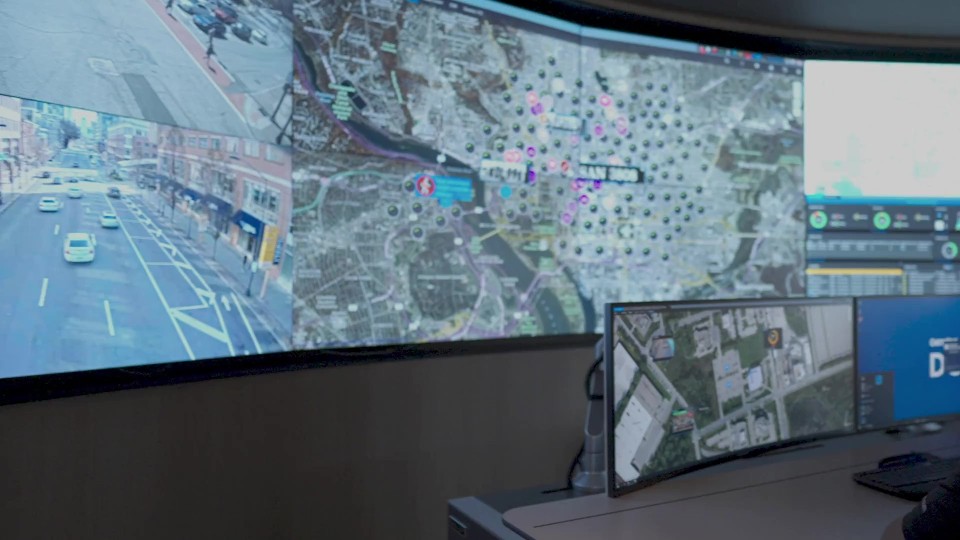
Security Center is a unified security platform. It incorporates access control, video surveillance, automatic license plate recognition (ALPR), communications, and more into a single, intuitive solution.
With a platform that unifies your data, you can manage security policies, run investigations, and pay attention to what matters most. Turn on new capabilities when you need them and choose the devices and add-ons that make sense for you as your system grows.
Unification is our core focus. Security Center allows you to manage security, monitor access, track vehicles, and act using one system.

Security Center is trusted by some of the world’s most demanding organizations to keep people safe and operations running.

All our solutions are built with cybersecurity and privacy-by-design, so you can keep your system and data safe.

When you choose Security Center, you’re in good hands. We work with top technology partners to deliver solutions you can rely on.


Communications management system

Collaborative decision management system

Intrusion and alarm management

Aggregated contextual data





Security Center allows you to monitor events and configure your system in one place. With a single interface to master, your team spends less time in training. And since it was designed to unify your entire security environment, it provides a familiar experience even as your system grows, unlocking new gains in efficiency.
Everything in one place
Stop going back and forth between applications. Monitor all security events and manage responses from a single location.
Scale inside and out
From a single building to a worldwide network, Security Center makes it easy to manage growth and collaborate with stakeholders.
Quickly access new technology
Tap into an ecosystem of over 900 solutions, develop your own integrations, and customize your system using an extensive SDK.



One unified security platform, unlimited possibilities


