


New workflows to manage evidence faster in Clearance
Work faster thanks to the latest Genetec Clearance™ updates. Video sharing from Security Center SaaS, multi-file tagging, and automated case closure make daily evidence management activities easier and more efficient.
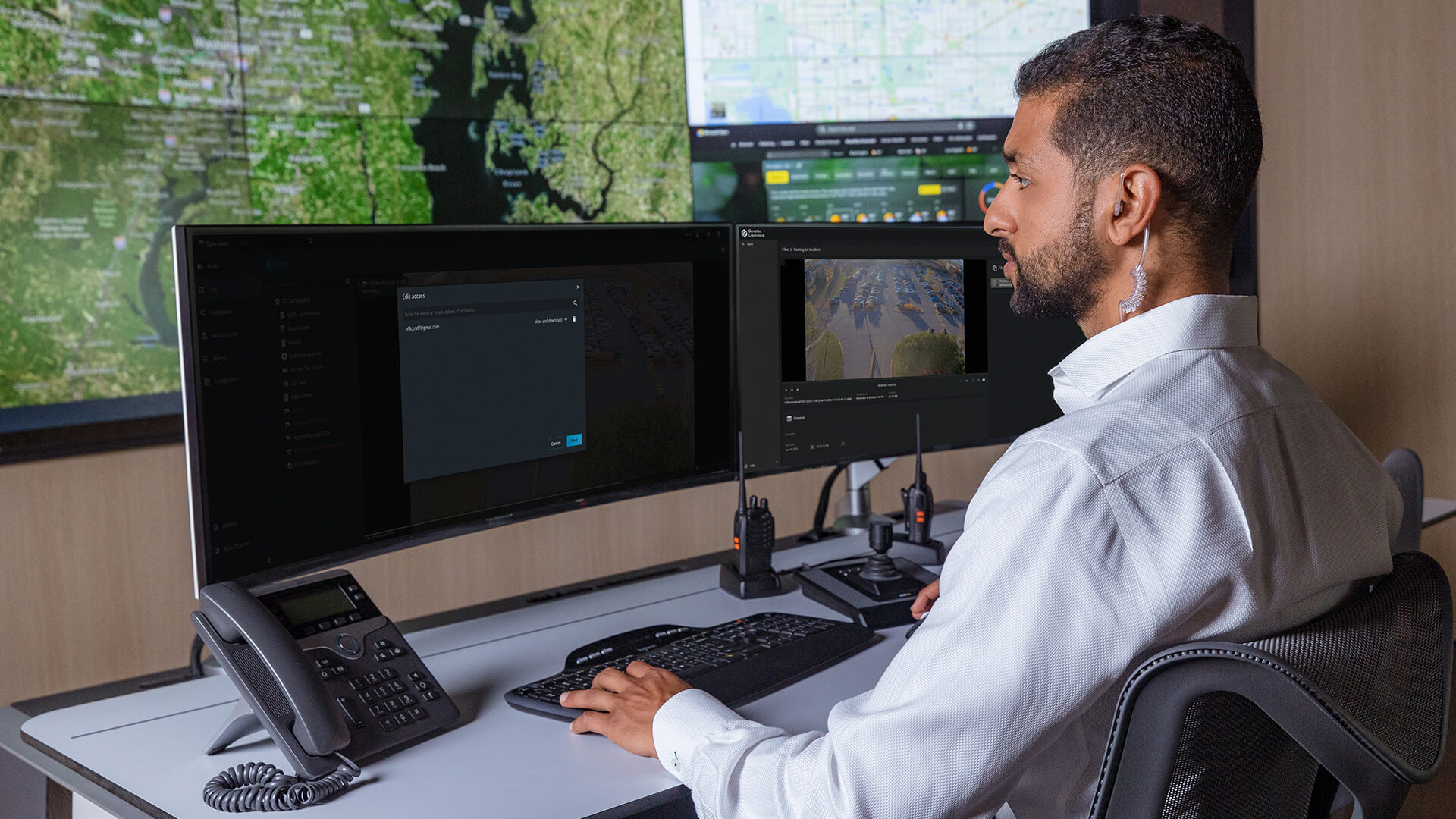
Managing digital evidence involves many critical tasks, from sharing security footage to classifying files to managing data lifecycles. That's why we’re continually adding new features to Clearance to support your workflows.
Read on to learn how the latest features in Clearance can help your teams enhance their operations.
Share video clips easily from Security Center SaaS
Save time by securely sharing video from Security Center SaaS to Clearance at the click of a button.
This integration lets you share an unlimited number of video clips directly from the Security Center SaaS video management system, enabling efficient evidence review and collaboration.
Shared video files can be viewed and managed in Clearance.
The following features are available:
- Share video clips directly with internal and external users from inside the Security Center SaaS Web App, with a 14-day retention period
- Share video from multiple cameras at once, choose the video’s start and end times, and assign a name to the file
- Set permissions levels to control authorized access to video clips
Learn more about Security Center SaaS
Close cases automatically
We've introduced a faster way to close cases that also helps you meet compliance requirements.
Admins in Clearance can now set a policy to automatically close cases in Clearance after a specified period. The policy can be configured for each category to align with your operational needs and compliance requirements.
Automatic case closure reduces the need to manually review, verify, and close cases, so you can focus on other important tasks.
Bulk tag your evidence
You can now classify multiple files at once with multi-file tagging.
This capability allows you to select files directly from the Search page and update metadata such as file categories, locations, custom fields, and assigned officers.
Updating files in bulk is an efficient way for your team to keep data consistent throughout Clearance.
