


How a smarter security operations workflow makes collaboration easier
Security work spans people, sites, and systems. Learn why collaboration breaks down and how a better security operations workflow can close the gaps.
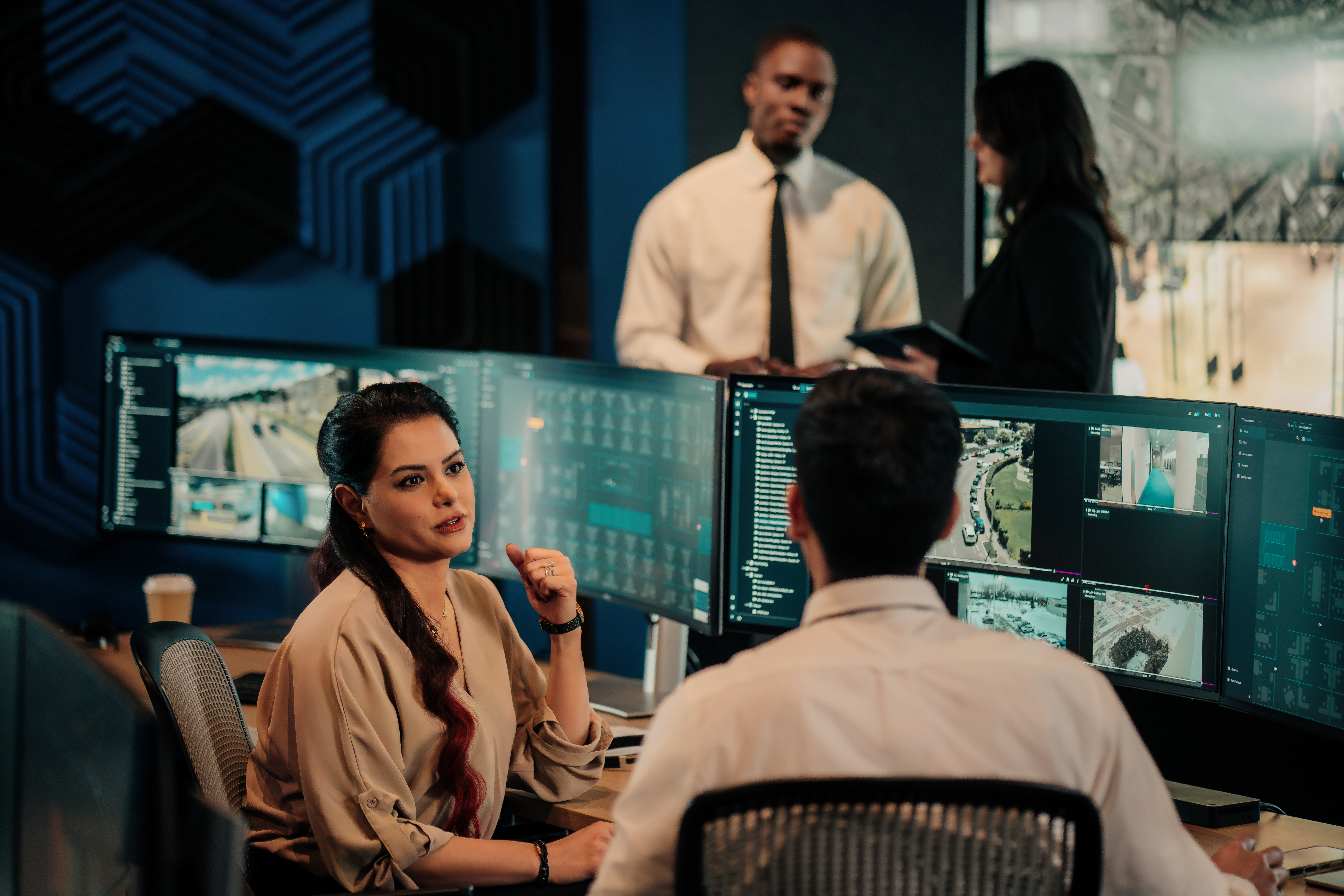
Teamwork often falls short in modern security operations. It comes with the territory. Security operations workflows have many moving parts, and the work gets fragmented—fast. As organizations grow and assume new responsibilities, these gaps tend to widen.
So how can you actually improve collaboration for your security team today? The short answer: shared context and more visible work. Keep reading to learn how to make that happen.
VIDEO
Why does collaboration break down in security operations?
Security work spans people, systems, and sites. A single incident can pull in security officers, IT, facilities, and operations leaders. Each team brings its own tools, and each shift inherits work from the last one. What started as a sprint quickly becomes a marathon.
The practical issues tend to look similar everywhere:
- Tasks live across emails, spreadsheets, radios, and standalone systems
- Status updates depend on who picks up the radio
- Manual processes that worked for one site can’t handle ten, or a hundred
Security operations center challenges like this aren't new, but they multiply as organizations grow. That's exactly when collaboration starts to slip.
Security workforce management ends up scattered across siloed tools, and no one has a clear view of who’s doing what. Knowledge stays in people's heads instead of in shared systems. Sure, the security workflow keeps moving, but that’s not necessarily a good thing.
The missing piece? Physical security visibility.
BLOG
What does good collaboration look like in security teams?
Good collaboration in security operations doesn't mean more meetings or louder radios. It’s about shared context. When your team is on the same page about who owns what and what comes next, the work can flow.
Teams that get it right build their workflows around four core ideas:
- Everyone can see the same picture of active tasks, incidents, and responsibilities
- Ownership is clear, without micromanagement
- Context carries across shifts, so nothing gets dropped at the handover
- The work speaks for itself, with fewer status meetings
The key takeaway? Security operations management isn't a tool or skill issue. It comes down to information-sharing, accountability, and repeatable processes. Teams that collaborate well keep the right people in the loop, in real time.
What is the role of work management tools in security operations?
Not all project management tools are the same, and the difference becomes clear when teams try to scale.
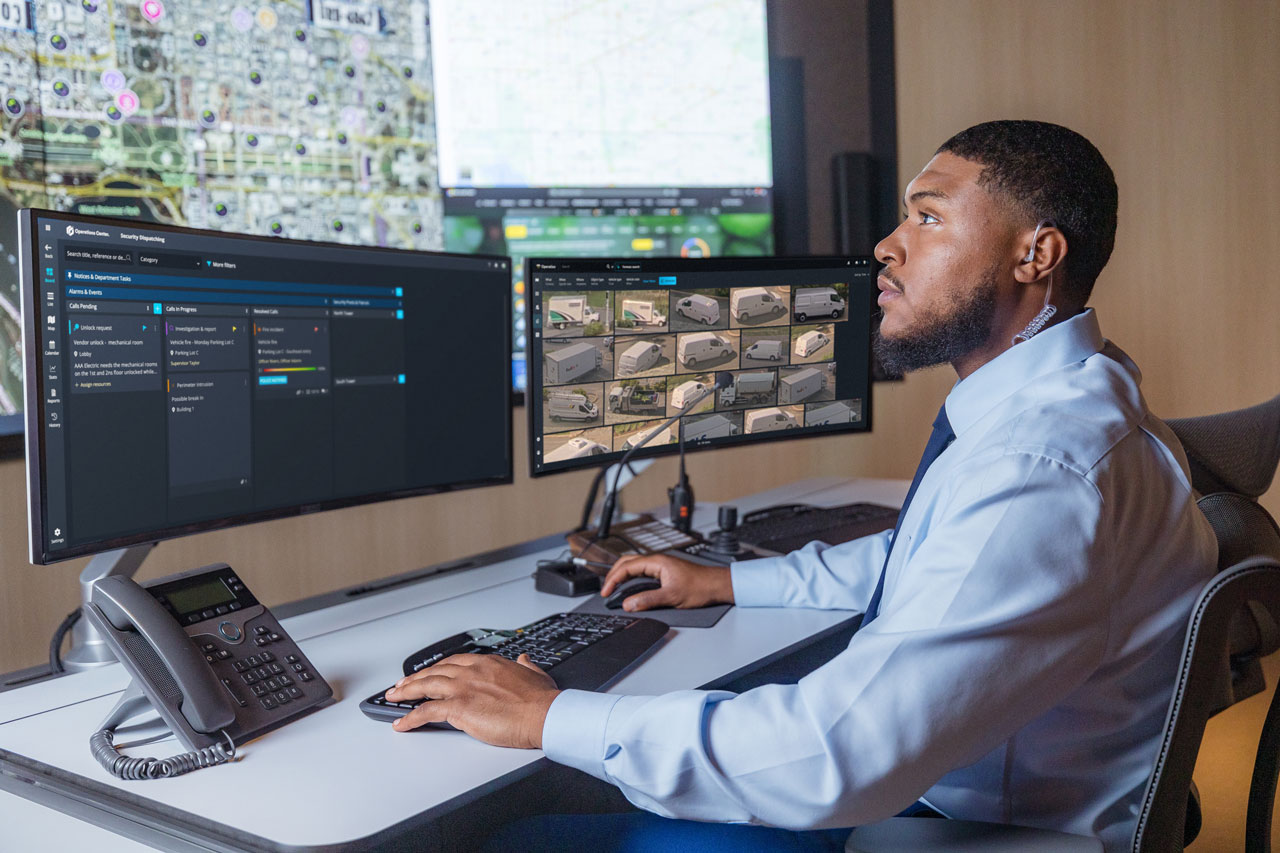
A basic security guard management system might assign patrols and track officer locations. Useful, but not powerful enough for a complex security environment. Other tools push automated workflows without giving teams a unified view of the work itself. What happens then is that automation speeds up the wrong things.
Good tools for collaborative security operations do something different. They offer a foundation for coordination across sites and shifts, not just another dashboard. They connect activities to your existing systems and support both routine operations and critical incidents. How? Through unification.
A unified platform can link alarms, incidents, tasks, video, and investigations, instead of making you juggle separate tools to piece information together. It can also tie operational context—like shift handovers and maintenance work—to security workflows. This brings the work together in one place, letting your team manage everything through a single view.
It’s structure like this that makes efficient security project management possible.
That kind of structure starts with rethinking a few common beliefs about collaboration tools:
- They add more friction and slow teams down
- Security work is too dynamic to be structured
- Email and chat are enough
These assumptions stem from real frustration. Some work management tools do add unnecessary complexity or can’t handle the reality of security work.
But these beliefs underestimate the impact modern work management can actually make.
CHECKLIST
Where can better collaboration make the biggest impact?
Collaboration delivers the biggest wins where work crosses teams or sites. These junctions can lead to missed context and delayed decisions, turning small problems into bigger ones.
Let’s take a look at the moments where better teamwork changes the result:
- Shift handovers protect context when the incoming operator picks up exactly where the last one left off
- Multi-site operations run smoother when regional leaders can see what’s happening across campuses or facilities
- Incident response and follow-up improve when teams log every step so they can trace it back later
- Cross-team investigations move faster when evidence and tasks live in the same ecosystem
Here’s how this plays out when you have an active incident on your hands:
With scattered tools, an operator spots an alarm, radios a supervisor, then waits. Someone pulls up the video on one system, checks the location on another, and writes up the follow-up in a third. Critical details can get lost in the handoff, leaving the next shift without the right context.
Now picture the same event but on a unified platform. The alarm reaches the right person on whatever device they're on. The location, the video feed, and the task all sit in one place. The operator forwards it, tags it for follow-up—or even calls their supervisor directly from the platform to share more details—and the next shift picks up where the last one left off. It’s the same incident, but with better collaboration and continuity.
A unified platform also has big implications for system maintenance:
Uptime is crucial for a physical security environment. When your cameras are down or devices aren’t working properly, you can’t rest until they’re fixed. With unification, you can get alerts about device health directly within the platform. From the same interface, you can create a work request for a technician and send it, along with camera information and contextual information, in a few clicks. No need to call in your system integrator.
That's what a strong security operations center workflow looks like in practice. If you’re thinking about where to start, ask yourself:
Where does work get lost today? Where do handoffs create friction? How much context survives from start to finish?
Asking these questions upfront is part of setting up your security operations center for success.
How Genetec thinks about security operations collaboration
For us, it always comes back to two things: context and continuity.
Coordination is so much more than which tool someone happens to open or who’s on duty. The moment a shift ends or an incident crosses teams, the work has to carry its own context, from end to end.
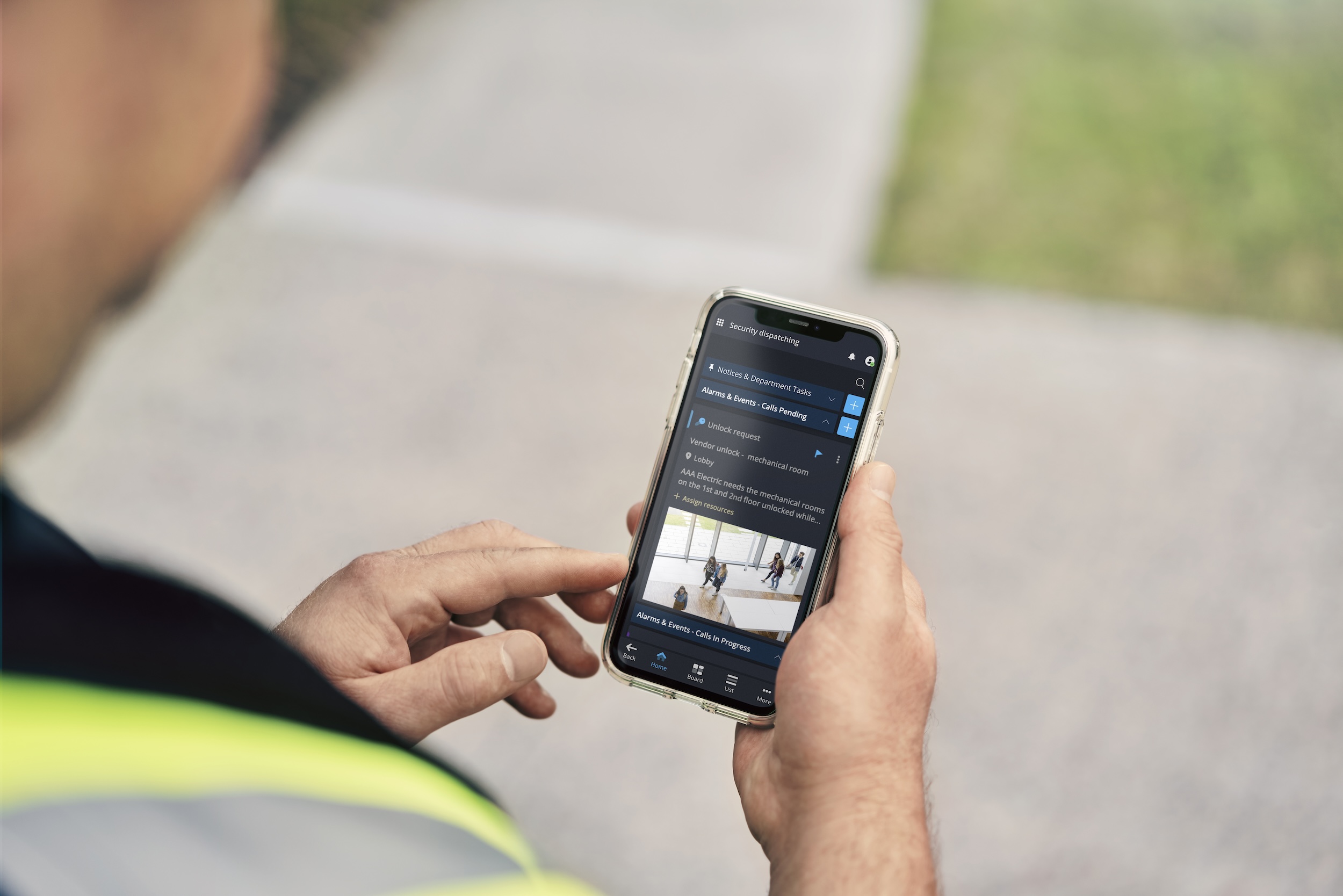
That's the thinking behind Genetec Operations Center. Teams get one shared view of the work, no matter where they sit or which shift they’re on. Context follows the work, instead of getting stuck in someone’s inbox.
It’s an approach grounded in collaborative decision-making, one that Brigham Young University (BYU) structured across its 738-acre campus. With 25 campus police officers, 15 security supervisors, and more than 300 student employees to coordinate, the team needed to make communication easier. Before, each security division managed information separately—now, there’s a single source of truth. BYU also automated key processes, such as nightly checks across campus divisions, equipment inspections, and building audits. This reduces the workload for dispatchers and reduces potential errors.
When security teams work together in this way, they stop reacting to gaps and start operating with intent. That's what smarter security operations are really about.
