



Introducing the new Cloudrunner app
Cloudrunner™ is now available on your mobile device, allowing you to effectively and efficiently continue your investigative work from the field.
Investigate from anywhere with Cloudrunner Mobile
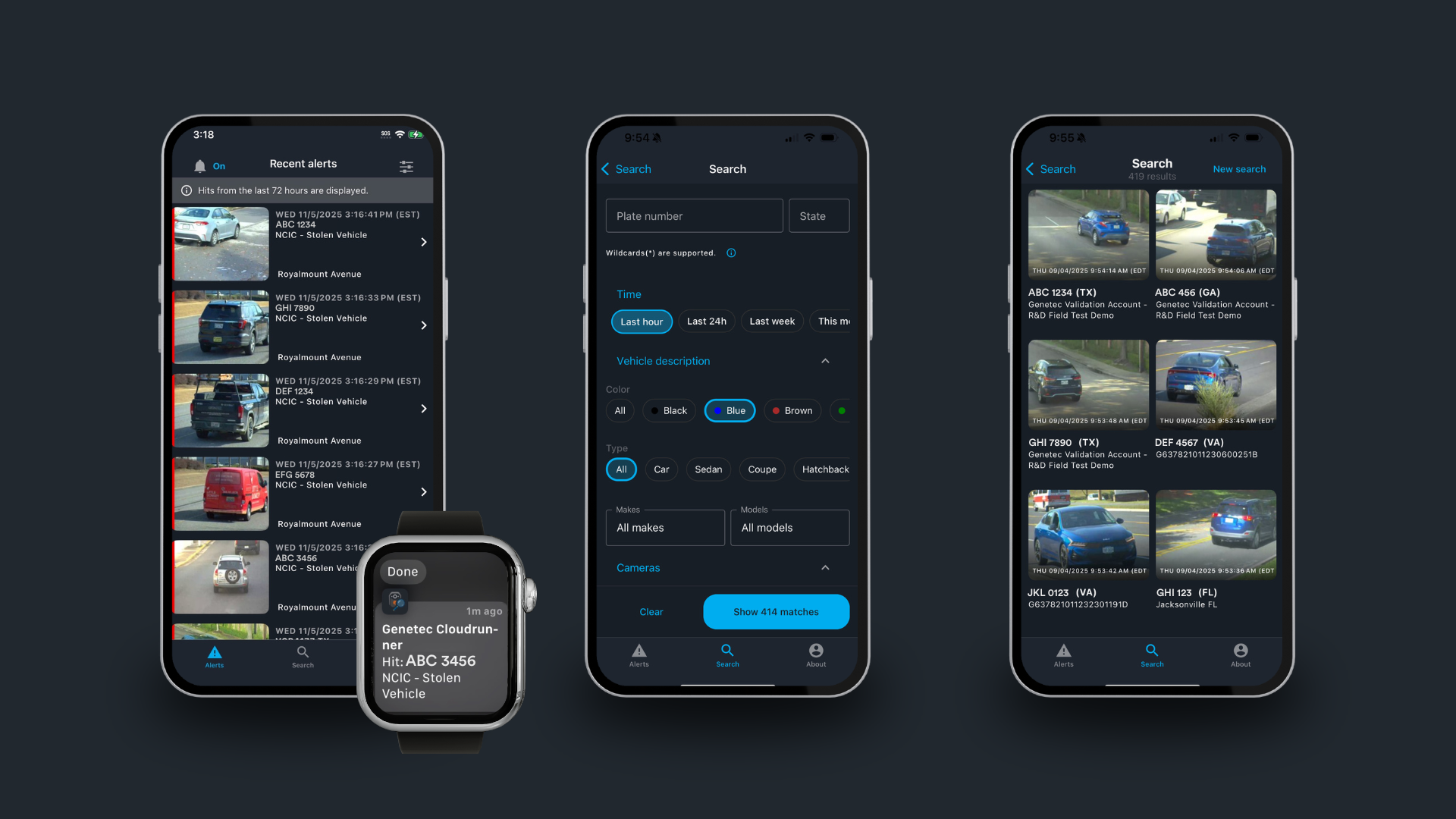
Conducting investigations in the field can be challenging. Cloudrunner Mobile is designed to make fieldwork a little bit easier. You can now use all the essential investigative features of Cloudrunner, even when you’re on the go.
Log in using biometrics
You can quickly and securely access your Cloudrunner system using facial recognition, fingerprint, or other methods.
Investigate on the go using geo-localized data
The Search tab allows you to find vehicles by filtering specific details such as make, model, color, type, plate number, and more. You can manually choose the cameras you’d like to filter or select a radius of cameras based on your current location. This works well if you’ve got an extensive partnership network.

Receive real-time alerts
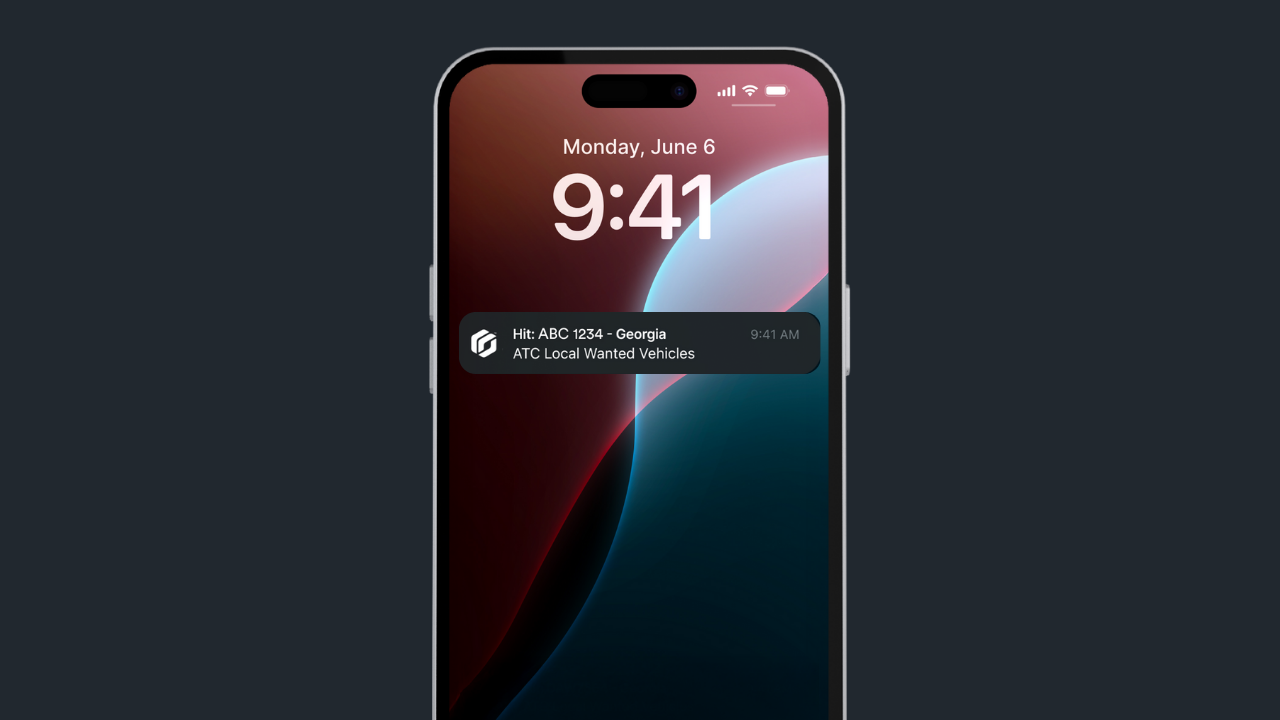
Select which alerts you'd like to receive notifications about. When you're off-shift, push notifications won't be sent, but the system will continue to collect alerts in the background. When you’re back on shift, all alerts from the past 72 hours will be accessible in the Alerts tab.
Add plates to hotlists quickly
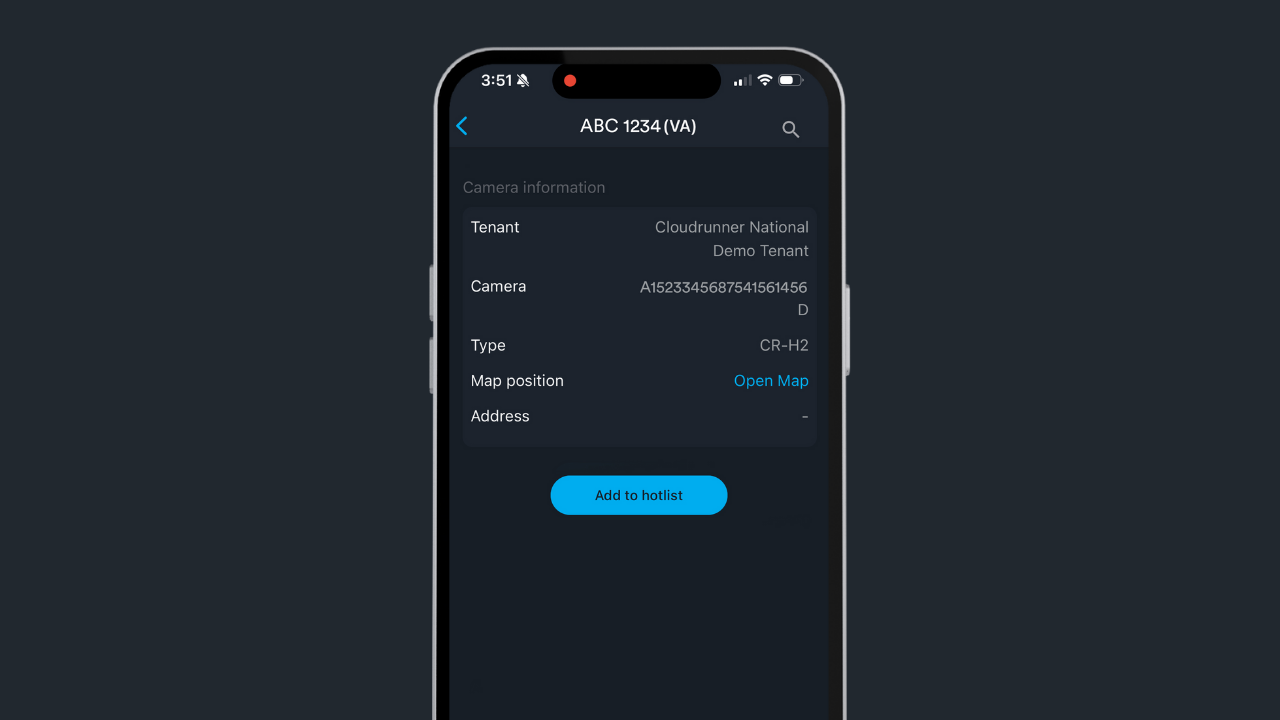
You can quickly add vehicles of interest to existing hotlists while on the go.
Who can use Cloudrunner Mobile?
The mobile app is accessible to anyone with an active Cloudrunner account and the necessary credentials and permissions. Similar to the web portal, all actions performed in the app are audited for legal and accountability reasons.
Available on Apple and Android
Get your investigative tool in the palm of your hand by downloading Genetec™ Cloudrunner Mobile from the App Store or the Google Play Store today.