


How physical security devices influence IT network design and risks
Learn how physical security devices impact your IT network security strategy and explore key considerations for building more resilient networks.
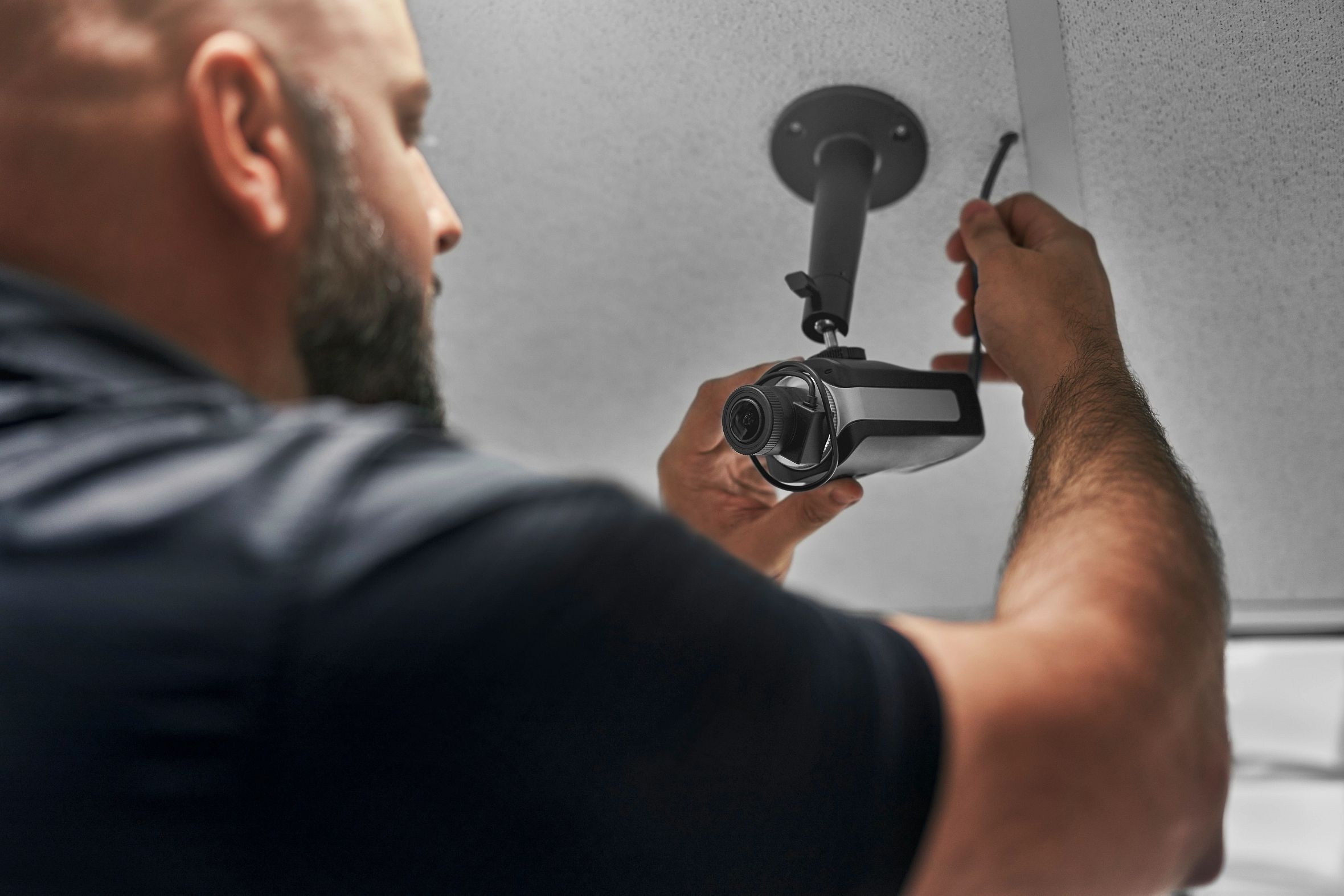
Network security strategies and network vulnerability assessments are core priorities for your IT team. But once physical security systems come into play, securing the corporate network can get more complex.
Cameras, access control devices, and IoT sensors don’t live on isolated infrastructure anymore. And they can expand the attack surface in ways that are easy to miss. As an IT professional, you might be asking:
- How are physical security devices impacting my network security?
- What risks and network design implications are we overlooking?
- What are the best practices for securing physical security endpoints?
Keep reading to learn how IT and physical security teams can align to strengthen network design and protect enterprise assets.
WHITEPAPER
How physical security devices create different risks than typical IT endpoints
Physical security systems are becoming more connected. With that, securing IoT and edge devices is now a critical operational need. The latest data from the physical security industry shows that 37% of respondents plan to invest in new cybersecurity tools in 2026. A higher percentage of IT respondents (47%) identified cybersecurity tools as a top priority.
Physical security devices might look like typical IT endpoints. Look closer, and you'll find characteristics that make them unique from a cybersecurity perspective. Here are some key differences to consider:
- Longer product lifecycles – Cameras, access control readers, intrusion sensors, intercoms, and other IoT sensors can remain in place for 7 - 10 years, or longer. This often means dealing with legacy firmware, inconsistent patching, and limited cybersecurity features.
- Always-on connectivity – Physical security devices operate continuously and stream data 24/7. Video surveillance solutions, in particular, create high-bandwidth traffic and place a sustained load on network infrastructure. This makes network capacity planning and network segmentation strategies essential.
- Strict availability requirements – Some physical security devices have mission-critical performance requirements. Access control, for example, must always be available to secure buildings, assets, and people. Unlike typical IT services that can tolerate downtime for updates or maintenance, these systems have to operate at all times.
- Edge-based network – Physical security deployments rarely live on a single network or site. Devices often sit at the edge across branches or remote locations. This makes attack surface management more complex. The challenges include varying network controls, varying connectivity quality, and limited on-site support.
- Shared department ownership – Physical security systems often involve multiple stakeholders. Security teams manage policies and daily operations. IT oversees network controls and cybersecurity. Executive leadership and operations teams weigh in on system and data decisions. Though aligning priorities can be challenging, collaboration can improve security outcomes.
BLOG

The physical security devices that shape network decisions
To build an effective network security strategy, IT teams must get to know the types of devices in a physical security environment. These range from cameras and access control readers to various IoT sensors. Each one can affect how you assess network vulnerabilities and manage the attack surface.
Below are a few common devices and how they can shape your network decisions:
 |
Video systems and cameras |
Video surveillance systems have a significant impact on network design and security. Cameras generate high volumes of data, all day, every day. This means IT teams need to plan for sustained network load, continuous bandwidth demand, and enough storage.
On WAN or site-to-site links, heavy video traffic can create more congestion and latency. This is why device placement and network segmentation matter. Isolating video traffic across sites and network tiers helps limit lateral movement and contain risks. It can also reduce bandwidth issues and prevent disruption to critical business applications. Having the latest devices with H.265 codec can further help reduce bandwidth usage and network load. So can system configurations like motion-based recording and lower-resolution streams for live monitoring.
 |
Access control hardware |
Access control systems introduce an identity-driven layer of infrastructure. They tie network-connected devices to people, roles, and physical entry points. Depending on the architecture, credential validations can happen locally at the edge or in real time via directories or cloud services. In either case, any security gaps or downtime can impact both digital and physical access.
Authentication and authorization become critical to securing the network and implementing zero-trust strategies. Authentication reduces unauthorized access and device spoofing for ongoing identity verification at access points. Authorization helps enforce least-privilege access based on role, location, and time. This limits risk exposure if credentials or devices are compromised. Finally, secure end-to-end encryption and real-time endpoint monitoring help keep systems operational and resilient.
 |
Intercoms and edge communication devices |
Intercoms and other communication devices are often treated as simple endpoints. But they can have a real impact on network design considerations. These systems are often critical for emergency response. They need reliable connectivity to ensure consistent voice and video throughput without disruptions.
To mitigate downtime, IT teams need to prioritize low-latency and high availability. Network segmentation, strong authentication, and continuous monitoring help keep intercoms from becoming entry points for attackers.
BLOG

Network strategy considerations when physical security is in scope
Physical security devices are now part of the corporate cybersecurity ecosystem. How these devices and systems are set up and operate across the network is critical. Below are a few of the top considerations for IT teams when thinking about network strategy in physical security:
✓ Segmentation and trust boundaries
- Consider the benefits of network segmentation. Use VLANs, subnets, and firewalls to isolate physical security devices and systems from general business traffic. This will help to reduce the attack surface. Plus, it will limit the impact of high-bandwidth applications on critical operations.
- Align physical security zones with network architecture. Map physical security entities such as cameras, access control readers, or other IoT sensors to the network environment. Then, you can define how different zones communicate with servers and services. This ensures secure traffic flow and consistent connectivity.
✓ Identity, authentication, and policy standardization
- Treat identity as the new perimeter and enforce least privileges. Make sure that every user, device, and service is uniquely identified before it can access physical security or IT systems. Restrict permissions to only what is required based on roles.
- Implement multiple layers of authentication and authorization. Validate the identity of users, devices, and services using context such as device posture, location, and behavior. Strengthen this validation with robust credential and password management practices.
- Standardize access policies across all environments. Invest in a unified security approach to apply the same policies across sites and systems. This ensures identity access management, authentication, and authorization are consistent throughout your environment.
✓ Monitoring, hardening, and lifecycle management
- Maintain visibility on physical security components. Keep a physical security device inventory and use automated services to track new firmware or product updates. Use compliance portals and certificate lifecycle tools to stay aligned with current standards.
- Harden systems with cybersecurity baselines. Apply multi-factor or certificate-based authentication, strong authorization, and password management protocols. Implement modern encryption protocols, such as TLS 1.3, to secure data in transit and at rest.
- Monitor for anomalies across physical and cyber domains. Use real-time monitoring tools to track network traffic, device statuses, and access patterns. Manage all events from a unified platform or integrate health data into SIEM systems to streamline audits and threat detection.
✓ Cloud vs on-prem environment considerations
- Manage data flows and latency across environments. Plan how physical security data moves across networks, especially for high-bandwidth systems like video. Enable edge device processing with cloud-managed appliances. This helps reduce backhaul and optimize traffic loads.
- Design for resilience and high availability. Build failover links and redundant paths to maintain uptime for mission-critical systems. Extend storage and off-site redundancy using the cloud to ensure access to video and data, even during outages or disruptions.
- Consider solutions that support hybrid environments. Keep systems on-prem as needed and use cloud services for specific sites, extra redundancy, or automated updates. This helps you pivot between cloud and on-prem as priorities shift, no re-architecting required.
Why collaboration between IT and security teams matters
Physical security systems are increasingly becoming more like IT systems. This means they demand the same rigorous cybersecurity strategies as other mission-critical systems. At the same time, design choices have to account for the unique requirements of physical security installations. That includes always-on availability and other operational constraints.
This is why collaboration between IT and security teams is essential. Their combined expertise helps configure systems to strengthen security across all physical and network environments.
When IT and security work together early, organizations can avoid blind spots, reduce risk, and design networks that support both operational and security needs.
