Improving everyday workflows in Cloudrunner
Get even more granular when applying plate-specific filters or filtering based on vehicle direction. You can also add detailed watermarks to context images. Plus, you can reduce unnecessary hitlist noise, letting you focus on the task or investigation at hand.
Specialty plates and vehicle direction filters
Specialty plates
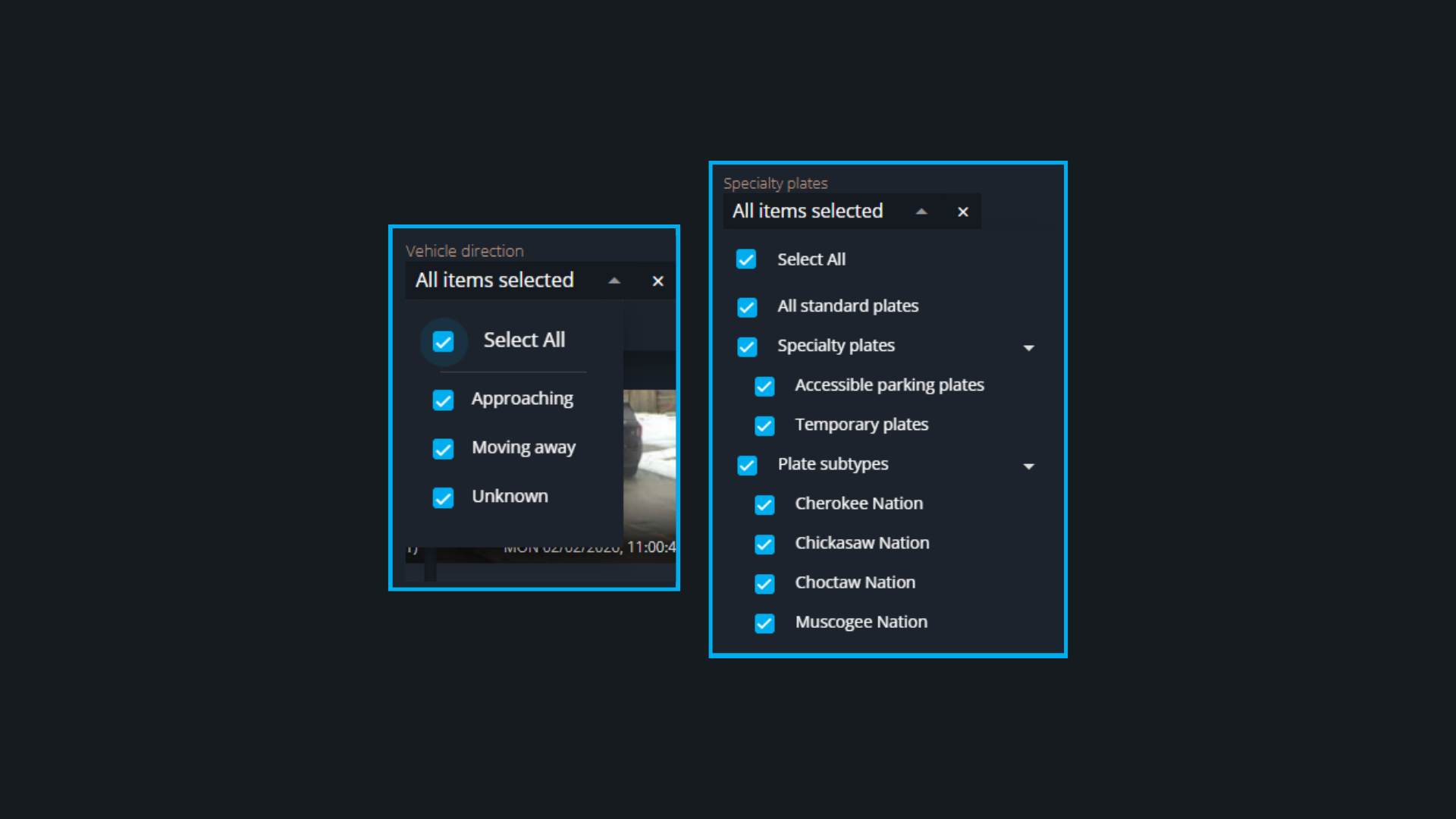
This new filter is available for Cloudrunner users in North America (Canada and USA). It contains two subsections:
- Specialty plates lets you filter specifically for plates designed for those with accessibility needs and temporary plates
- Plate subtypes lets you filter for select Native American Nations plates
Vehicle direction
This filter lets you search for a vehicle by its direction of travel. Specifically, you can search for a vehicle approaching or moving away from Cloudrunner cameras. It’s available in all regions where Cloudrunner is available.
Detailed watermarks on context images
When you expand a vehicle read’s context image, you can now get additional information in the form of a watermark. The detailed watermark includes the name of the camera that captured the vehicle and a timestamp. This quick screen capture with relevant read-specific information can act as proof in an informal incident report.
Reducing unnecessary noise with suppressed hotlist alerts
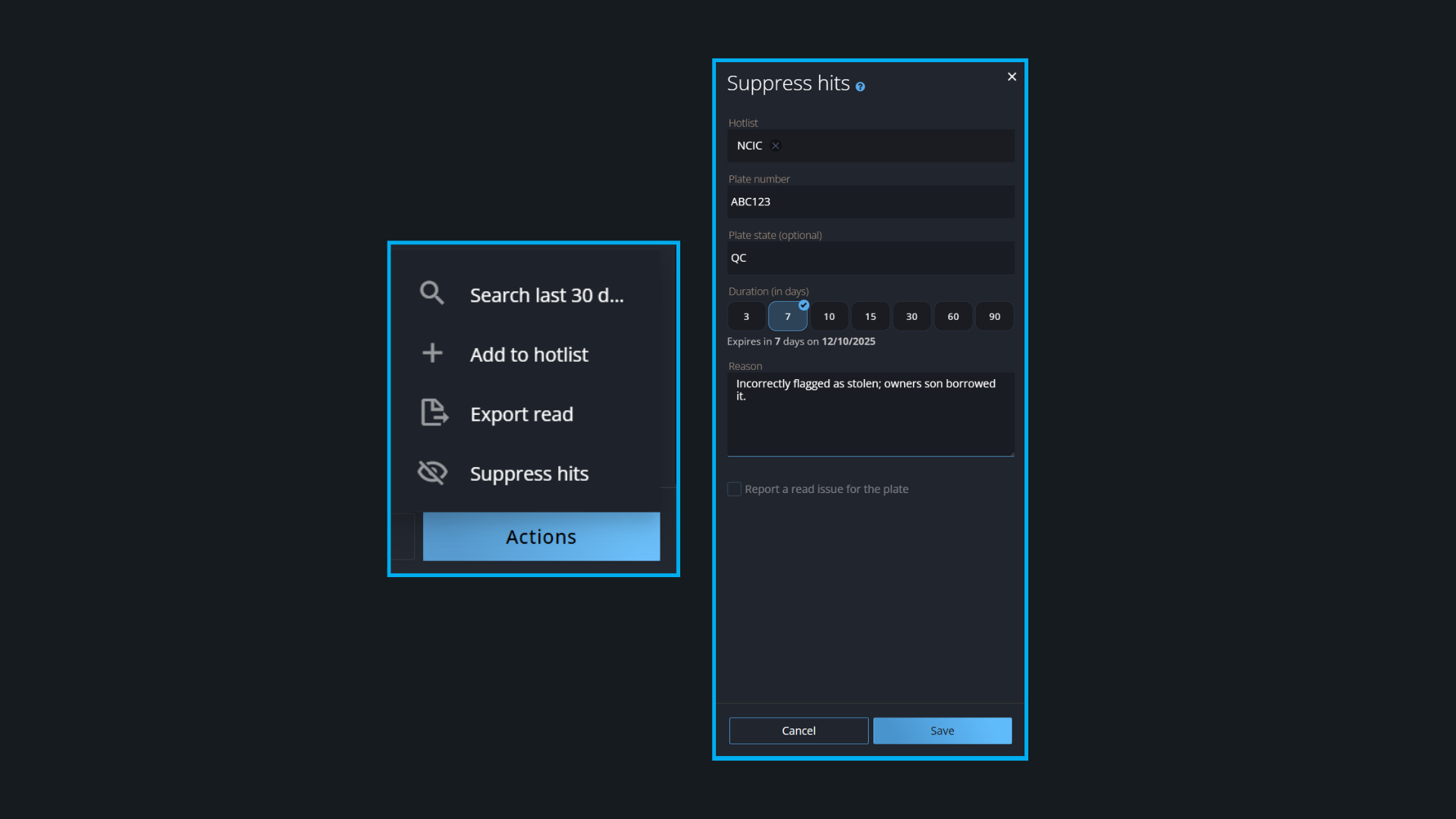
Not all hotlist hits have the same impact or importance for each investigator. That’s why you can now suppress alerts that don’t require your immediate attention, so you can focus on what matters most.
Alert suppression is temporary (3 - 90 days), requires a reason, and is fully auditable to ensure transparency at every step. In the insights section of the side pane, you can also see how many times a suppressed plate has been detected.